Productivity software company tackles rising MSD complaints across its Dublin office with Ergo Global.
One-to-one workstation setup
Ergonomics education
Why Ergo Global were contacted
A leading productivity software company noticed its own productivity stalling in early 2023. Its 140 office-based employees in Dublin were reporting a growing number of musculoskeletal (MSD) complaints, which led to more time off work, lower productivity and, ultimately, a notable drop in revenue.
What Ergo Global did
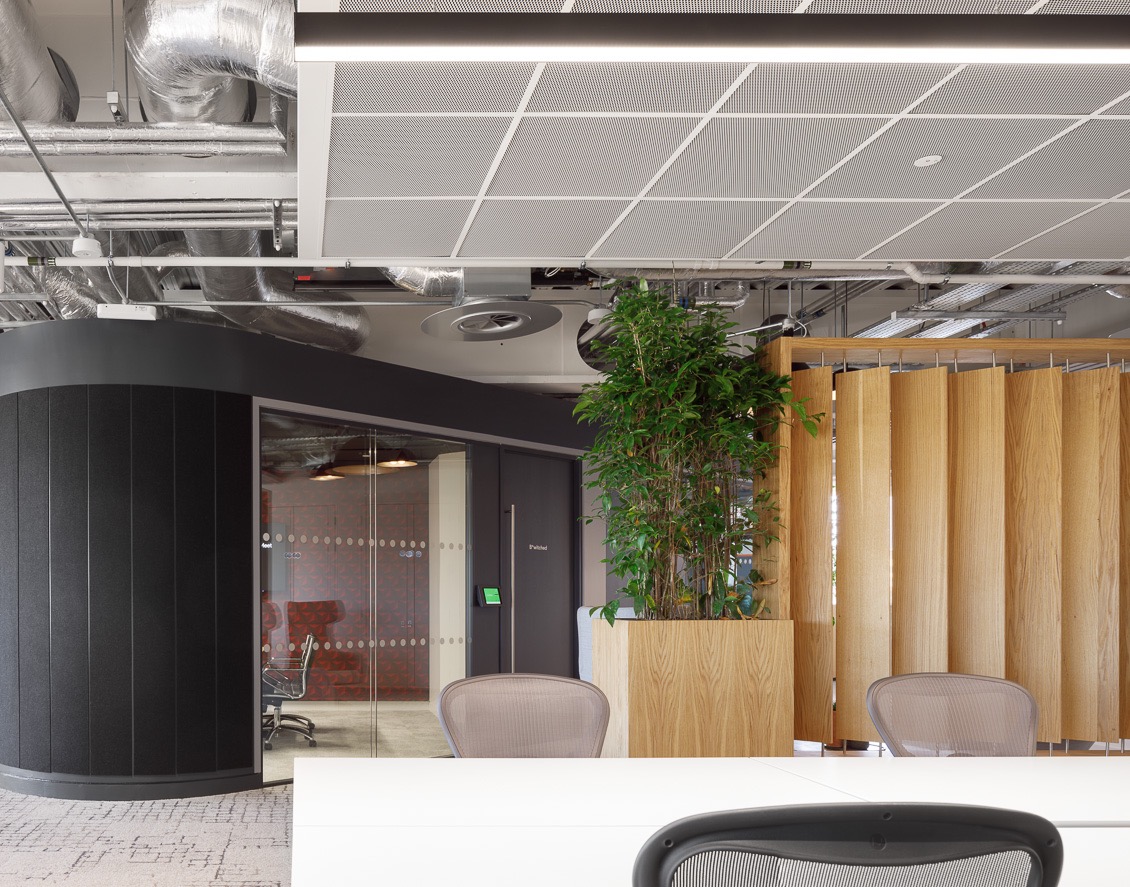
The office was open plan and spacious, with plenty of natural light and well-equipped workstations: height-adjustable desks, premium ergonomic chairs, ultrawide monitors, laptop stands and footrests. But our ergonomist found that many employees didn’t know how to set this equipment up for themselves, so desks sat at the wrong height and chairs weren’t adjusted to individual needs. We ran one-to-one consultations to create a tailored setup for every employee and showed each person how to adjust it in future.
Ergonomic assessments
Working environment
Problems and solutions
Even with high-quality chairs, lower back discomfort was common. Lumbar supports weren’t adjusted to fit, many employees leaned forward with their backs unsupported, and incorrect seat height left knees below hips and feet unable to rest flat on the floor.
Our ergonomist held one-to-one consultations to create a tailored equipment setup for every employee, and demonstrated how to configure it in future. This made the whole team more comfortable and greatly reduced the risk of MSDs developing.
Many employees worked all day on laptops placed directly on the desk. This puts the screen far below the optimal height, causing neck and back discomfort from looking down and hunching over the keyboard.
Employees were encouraged to use a monitor or laptop stand to raise the screen, and were shown why the top third of the screen should sit at eye level, so they no longer had to hunch or look down while working.
Every workstation had a standing desk, but many were set too high. Employees raised their arms to work, leading to upper back and shoulder discomfort.
Our ergonomist showed each employee how to set their desk so their elbows sit at 90° while typing and mousing: the neutral position that keeps the arms and shoulders free of tension.
To better workdays, with Ergo Global
Ergonomics assessments, training and compliance support that makes a real difference. Contact Ergo Global to see what we can do for you.